 Auto Secure Login

Your GPU, your library
Choose NVIDIA CUDA or AMD Vulkan, select a local library and download the engine and licensed models from Setup. The native Windows app opens its studio without a separate Python installation.
Windows · Native desktop app · Release in preparation
Turn a description into an image using your own graphics card. Keep your models, pictures and settings in a library you control.
Planned price: $49.99, one-time purchase. The Microsoft Store release is being prepared; this page is not a purchase offer.
Choose NVIDIA CUDA or AMD Vulkan, select a local library and download the engine and licensed models from Setup. The native Windows app opens its studio without a separate Python installation.
Write a description, choose Quality or Fast, set the shape and generate a picture. The gallery keeps the prompt, seed and model alongside each image so you can reuse its settings.
Follow model loading, prompt processing, generation, decoding and saving. Cancel your own job, inspect timestamped errors, or reopen the studio after a backend failure.
Create local images without AI Hub, PC Steward or a fleet. Connecting an existing rBroker is optional and preserves that computer’s resource authority.
The upcoming rBroker integration discovers the installed ImageLab library and engine. A fleet receiver needs local image consent and an authorized sender before it accepts work.
The app includes setup, library, licensing, fleet and troubleshooting guidance. Its compact window supports resizing, keyboard controls and language selection.
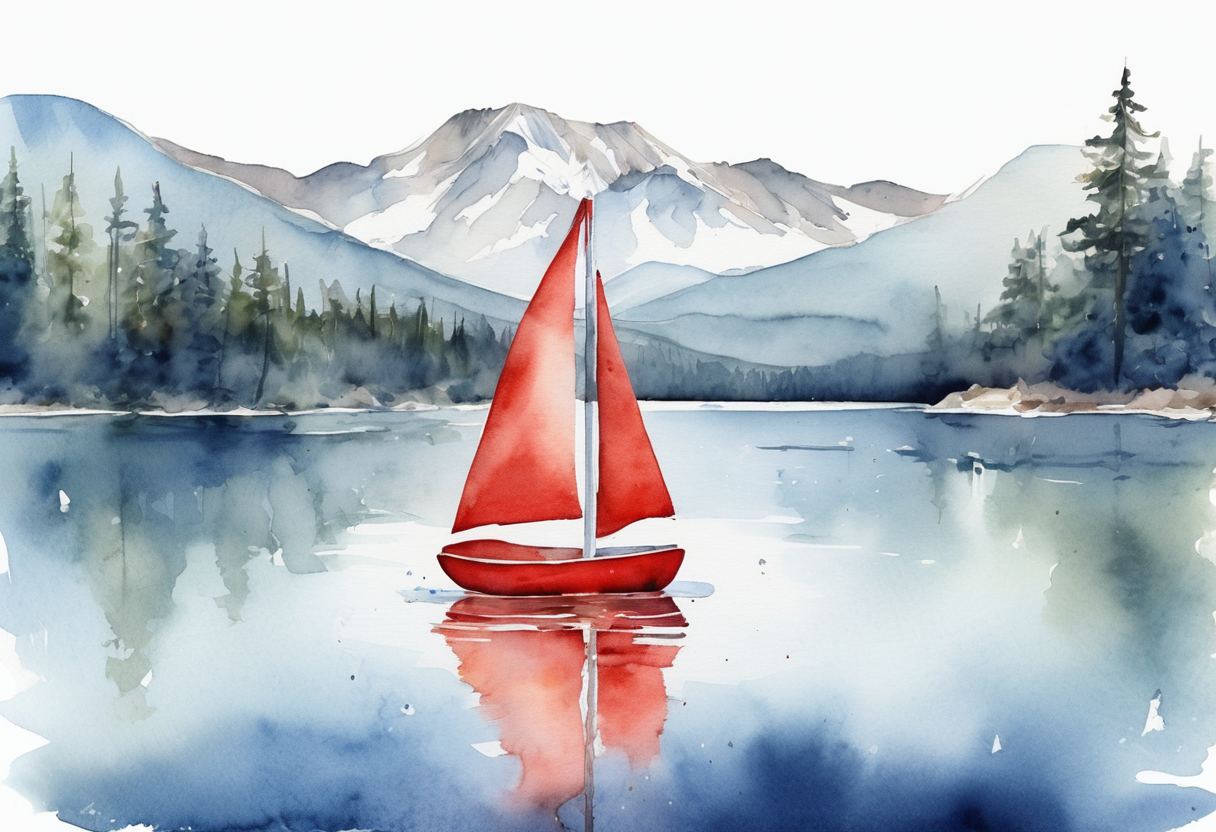
This watercolor was generated on an AMD Radeon RX 6800 XT and returned through the rBroker fleet workflow during acceptance testing. It demonstrates the tested AMD path; it is not evidence of completed NVIDIA certification.
Use a compatible GPU with at least 12 GB of dedicated memory; 16 GB is recommended. Keep 12 GB of system RAM available and at least 25 GB of free storage for the full library. Current manufacturer drivers and Microsoft Edge WebView2 are required. Shared system memory does not replace dedicated GPU memory.
Quality uses SDXL base with 30 steps; optional Fast uses SDXL-Lightning with 4 steps. Model downloads are separate from the app and subject to their licenses. ImageLab does not silently switch to a CPU or paid cloud service.
Install ImageLab on the computer that will render. Connect its existing GPU broker, then use “Connect installed ASL ImageLab” in the updated rBroker picture setup. Enable the receiving computer’s image permissions and authorize a named sender. Computers can use different networks when they can reach the configured fleet service.
Multiple computers do not combine into a single larger GPU. Each model must fit the selected computer. Closing ImageLab does not close a separate receiver owned by rBroker.
Local work stays in the selected library. Fleet use transfers the task information and requested results you choose. Only use source material and faces with permission. The installer does not include InsightFace’s noncommercial pretrained face weights. Generated results need review; the engine has no generated-pixel safety classifier.
The native interface, lifecycle and AMD fleet path have passed development checks. NVIDIA hardware acceptance, final localization review, packaging and Microsoft Store certification are still in progress. A development build or successful render is not a Store approval.